

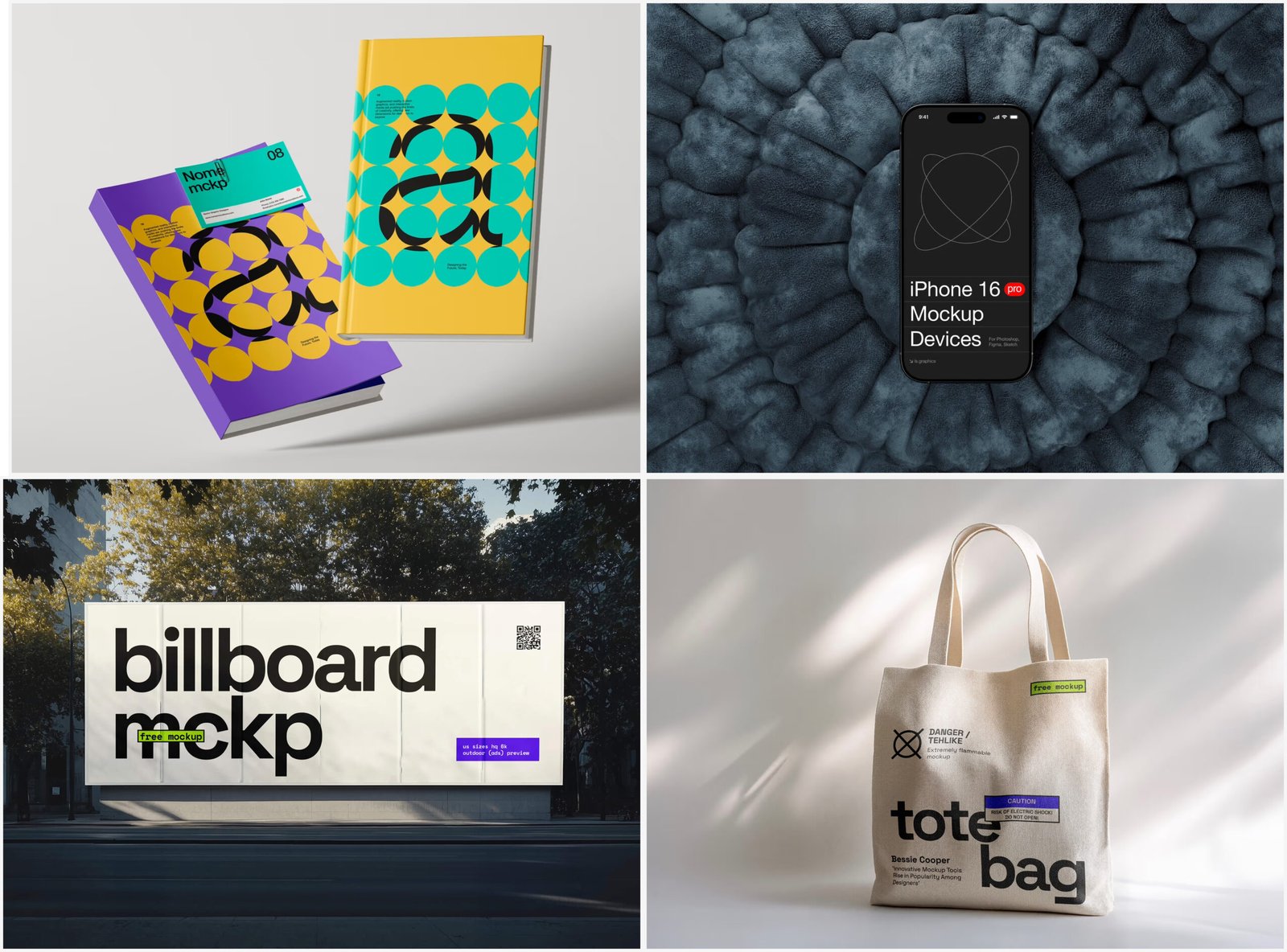
There’s a moment every designer knows well. You’ve been staring at your work for hours, tweaking typography, nudging margins, second-guessing color choices — and somewhere around hour three, your eyes stop seeing it clearly. The design looks fine. Maybe even great. But “looks fine on a blank canvas” and “looks great in the real world” are two very different things.
This is exactly where mockups change everything.
Why Context Reveals What Isolation Hides
Flat design files are liars. Not intentionally — they simply lack the environmental pressure that exposes real weaknesses. Place a logo on a white artboard, and you’ll never notice that the stroke weight is too thin for embroidery. Present a packaging label in isolation, and the color contrast issue won’t surface until someone holds the physical bottle under store lighting.
Mockups force your design into context. Suddenly, that button label is sitting on an actual smartphone screen. That poster is hanging on a concrete wall with shadows falling across it. Your brain shifts from “creator mode” to “viewer mode” — and viewer mode is brutally honest.
The weaknesses don’t hide anymore. They volunteer themselves.
What Breaks First (And Why That’s Useful)
When you drop a design into a realistic scene, specific problems tend to surface in a predictable order:
- Hierarchy collapses — elements that felt balanced in isolation start competing with each other visually when surrounded by real-world texture and depth
- Scale becomes obvious — a headline that seemed bold enough suddenly reads as timid on a billboard mockup, or overwhelming on a business card
- Color relationships shift — warm paper tones, screen glare, or surface reflection can make your palette look completely different than intended
None of this is failure. It’s intelligence. Every problem the mockup reveals is a problem you’re solving before the client, the printer, or the customer encounters it.
Real-World Applications: Mockups in Practice
The practical value of mockups isn’t theoretical — designers across disciplines use them daily to make faster, smarter decisions.
A brand identity designer working on a café rebrand used a coffee cup mockup to discover that the logomark she’d designed was too detailed to read at small sizes. The flat file looked sharp. The mockup told the truth in thirty seconds.
A packaging designer testing label concepts for a skincare line ran six color variations through bottle mockups before the client call. What started as a “pick your favorite” conversation turned into a data-informed decision — two options that looked similar on screen looked dramatically different on frosted glass.
A UI/UX designer preparing a mobile app presentation used device mockups to catch an inconsistent padding issue across screen sizes that had survived three internal reviews. The moment it was placed on a realistic phone screen, the misalignment was impossible to unsee.
Even freelancers pitching cold use mockups strategically — presenting concepts in context signals professionalism and helps clients visualize the outcome rather than interpret abstract files.
Free Mockups on ls.graphics
ls.graphics is one of the most respected names in the mockup space, and their free collection delivers quality that rivals paid alternatives. The Free mockups on the platform feature ultra-realistic rendering, organized layers, multiple angles, and color style variations — all wrapped in clean, minimalistic compositions. The Edit Online feature lets you preview concepts directly in the browser without heavy desktop software. With a large number of free scenes spanning packaging, devices, apparel, and branding, it’s a serious working toolkit, not a sample tray.
The Shift in How You Evaluate Design
Once mockups become part of your regular workflow, your internal evaluation process changes. You stop asking “does this look good?” in the abstract and start asking “does this work here, in this context, for this person?”
That’s a more sophisticated question. And it produces better design.
The gap between a design that looks polished in a file and one that performs in the real world is almost always visible in a mockup — if you’re willing to look honestly at what you see.
Conclusion
The strongest design process isn’t the one with the most steps — it’s the one with the best feedback loops. Mockups are one of the most efficient feedback mechanisms available, and accessible tools like ls.graphics have made that advantage available to designers at every level. Use them early, use them often, and let the context tell you what your eye has learned to overlook.
