Introduction
If you want to save valuable minutes every day and cut out the busywork, you’re in the right place. This article shows you practical, no-sign-up online tools for common tasks—making your workflow faster and hassle-free.
We all know someone with a shortcut for everything; now, think of this article as that friend, pointing you to the simple solutions that actually save time.
Students juggle assignments under tight deadlines. Bloggers write, edit, format, and optimize nonstop. Small business owners answer customer queries, manage online presence, and grow—all at once.
You don’t need expensive software. The right free tools in your browser are enough.
No downloads. No subscriptions. No sign-up walls.
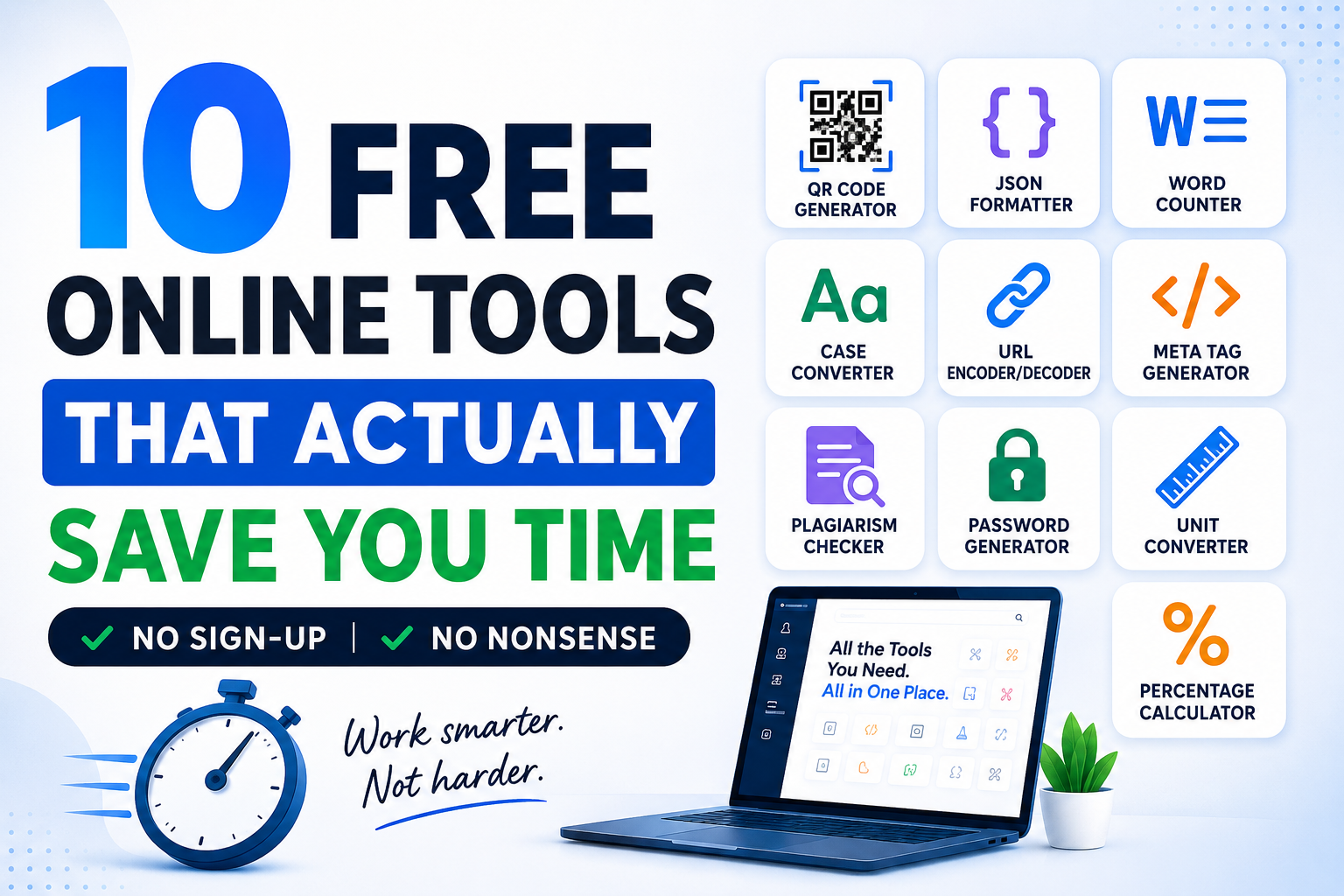
Here are 10 free online tools worth adding to your daily workflow.
1. QR Code Generator — Turn Any Link into a Scannable Code in Seconds
What Is a QR Code Generator?
A QR code generator converts any URL, text, email address, or contact info into a scannable code. Instead of typing out long links, people just scan the code with their phones.
Why You Actually Need This
QR codes are no longer just a tech novelty. They’re everywhere — restaurant menus, product packaging, business cards, event posters, payment pages, and classroom handouts.
A small business can put QR codes on packaging or flyers to send customers to its website, WhatsApp, or Google review page. Bloggers and content creators can use QR codes at events or in print to drive traffic to posts or newsletter signups.
The FluxToolkit QR Code Generator is free, instant, and requires no sign-up. Easily create and download your QR code in under 10 seconds, giving you a quick and hassle-free way to share your link.
Who Should Use It?
- Small business owners use QR codes on packaging, receipts, or menus.
- Bloggers and content creators sharing links at events or in print
- Teachers are adding resource links to printed handouts.
- Marketers running offline-to-online campaigns
- Students add reference links to project presentations.
FAQ — QR Code Generator
Q1. Are QR codes generated with a free tool permanent?
Yes, usually. Generating a QR code for a direct URL (a static QR code) creates a code that points to the link permanently. It never expires. As long as the destination URL stays active, static QR codes remain free and functional.
Q2. Can I use a free QR code for commercial purposes?
Absolutely. Free static QR codes are free of commercial restrictions. You can print them on product packaging, business cards, flyers, banners, or any marketing material without any licensing issues.
Q3. What types of content can I turn into a QR code?
Most free QR code generators support URLs, plain text, email addresses, phone numbers, SMS messages, and Wi-Fi credentials. Some also support vCard (contact details) and links to social media profiles.
Q4. Do I need a special app to scan a QR code?
No. Most modern smartphones (both Android and iPhone) can scan QR codes directly through the default camera app. Just open your camera, point it at the code, and tap the notification that appears.
2. JSON Formatter — Because Raw JSON Is Basically Unreadable
What Is a JSON Formatter?
A JSON formatter transforms cluttered JSON into a readable, indented, structured format, often catching syntax errors.
Why You Actually Need This
Anyone who has seen an unformatted API response, config file, or backend data knows it’s a wall of text: no spacing, no line breaks, no logical structure. Reading or debugging it is painful.
A JSON formatter fixes this instantly. Paste your JSON, click format, and get clean, indented, easy-to-navigate output. Spot errors and understand structure without the headache.
The free FluxToolkit JSON Formatter works in your browser. No installation, no account, no wait.
Who Should Use It?
- Developers working with APIs or backend data
- Tech bloggers format code examples for their tutorials.
- Students learning web development and API basics.
- Data analysts clean up exported data files.
- QA testers checking API response structures
FAQ — JSON Formatter
Q1. What exactly does a JSON formatter do?
A JSON formatter reads your raw JSON data and reformats it with proper indentation, line breaks, and structure. This makes it visually readable. Most formatters also validate JSON, checking whether the syntax is correct and flagging any errors.
Q2. Is it safe to paste my JSON data into an online formatter?
For most general development purposes, yes. However, if your JSON contains sensitive data — such as API keys, passwords, or personal user information — it’s better to use a locally installed tool or a formatter that clearly states it does not store your data. Always check the privacy policy when handling confidential information.
Q3. What is the difference between JSON formatting and JSON validation?
Formatting is about making the JSON readable by adding proper indentation and spacing. Validation is about checking whether the JSON follows correct syntax rules. Many free tools do both at once, which is why they’re so useful for debugging.
Q4. Can a JSON formatter automatically fix broken JSON?
Not exactly. A formatter can highlight where the error is and tell you what’s wrong, but it cannot rewrite or repair incorrect data on its own. You still need to fix the underlying mistake yourself — but knowing exactly where the problem is makes that much faster.
3. Word Counter — Simple, But You Would Miss It If It Were Gone
What Is a Word Counter?
A word counter is a browser-based tool that instantly counts words, characters, sentences, and paragraphs for any pasted text, usually showing estimated reading time, helping users track length and improve clarity.
Why You Actually Need This
It sounds simple. But the regular word counter tool quickly becomes more essential. Students need exact word limits. Bloggers aim for target post lengths for SEO. Businesses need concise copy that communicates clearly.
FAQ— Word Counter
Q1. Does a word counter also count characters?
Yes. Most word counter tools show both word count and character count (with and without spaces). This is especially useful for social media managers who need to stay within platform character limits.
Q2. Is a word counter accurate for all languages?
Most online word counters are highly accurate for English and other Latin-script languages. Accuracy can vary for languages that don’t use spaces between words, such as Chinese or Japanese.
Q3. Can I use a word counter to estimate reading time?
Yes. Most word counter tools include an estimated reading time based on an average adult reading speed of around 200–250 words per minute.
Q4. Should I aim for a specific word count for blog posts?
It depends on the content type. In-depth guides perform better at 1,500–2,500 words. Shorter informational posts can do well at 800–1,200 words. Covering the topic fully matters more than hitting an arbitrary number.
4. Case Converter — Fix Messy Text Formatting in One Click
What Is a Case Converter?
A case converter is an online tool that changes text to uppercase, lowercase, title case, sentence case, or, for developers, camel or snake case.
Why You Actually Need This
You’ve seen this: text pasted in ALL CAPS, odd Cases, or without caps. Fixing it manually is tedious. A case converter does it in one click.
FAQ— Case Converter
Q1. What is the difference between title case and sentence case?
Title case capitalizes the first letter of every major word. Sentence case only capitalizes the first word of the sentence and any proper nouns.
Q2. Can a case converter handle large blocks of text?
Yes. Most online case converters can handle large amounts of text without any issues. You can paste entire paragraphs or documents and convert them all at once.
Q3. Is camel case the same as title case?
No. Title case capitalizes the first letter of each word with spaces. Camel case removes all spaces and capitalizes each word except the first — used primarily in programming.
Q4. Does a case converter change punctuation or numbers?
No. A case converter only affects alphabetical characters. Punctuation, numbers, symbols, and spacing remain exactly as they were.
5. URL Encoder and Decoder — A Quiet Hero for Anyone Working with Links
What Is a URL Encoder and Decoder?
A URL encoder converts text containing special characters into a format safe for web addresses. A URL decoder reverses this process.
Why You Actually Need This
URLs allow only certain characters. If a link includes spaces, ampersands, or symbols, it can break when shared. Using a URL encoder ensures your links work reliably by converting those characters to safe equivalents, especially when creating tracking links, UTM parameters, or API calls.
FAQ — URL Encoder and Decoder
Q1. Why do some URLs contain per cent signs and random letters?
Those are encoded characters. When a URL contains special characters, they get converted into a per cent sign followed by two characters — for example, a space becomes %20.
Q2. When would I actually need to encode a URL?
When passing query parameters with special characters, building redirect links, working with form submissions, or creating API requests that include text data in the URL itself.
Q3. Is URL decoding the same as URL encoding?
They are opposites. Encoding converts readable text into a safe web format. Decoding converts it back into readable text.
Q4. Can I decode any URL I find online?
Yes. If you come across a URL with per cent signs and encoded characters, you can paste it into a URL decoder to see the plain text version.
6. Meta Tag Generator — SEO Made Less Overwhelming for Beginners
What Is a Meta Tag Generator?
A meta tag generator is an online tool that helps you create the HTML meta tags that appear in the head section of your web pages. These tags tell search engines what your page is about and control how your content appears in search results and social media.
Why You Actually Need This
Meta tags are one of the most important on-page SEO elements, but writing them from scratch can feel intimidating. Between the meta title, meta description, Open Graph tags, and Twitter card tags, there’s a lot to get right. A meta tag generator removes that complexity.
FAQ — Meta Tag Generator
Q1. How important are meta tags for SEO?
Meta tags are important, but one part of a larger SEO picture. The meta title is a significant ranking factor. The meta description influences click-through rates since it’s the short summary users read before deciding to visit your page.
Q2. What is the ideal length for a meta title and description?
A meta title should be 50–60 characters. A meta description should be 150–160 characters. Going over these limits means Google may truncate your text.
Q3. What are Open Graph tags, and do I need them?
Open Graph tags control how your content looks when shared on social media. They determine the image, title, and description in the link preview. If you want shared links to look professional, Open Graph tags are definitely worth setting up.
Q4. Do I need to add meta tags to every page on my website?
Ideally yes. Each page should have a unique meta title and description that accurately reflects its content. Using the same tags across multiple pages can reduce your chances of ranking for relevant keywords.
7. Plagiarism Checker — Protect Your Content and Your Reputation
What Is a Plagiarism Checker?
A plagiarism checker scans your text and compares it against existing content on the internet to identify any sections that are too similar to other sources.
Why You Actually Need This
No one intentionally copies content — but it can happen accidentally. A student who paraphrased a source too closely, a blogger who unknowingly wrote something similar to an existing article, or a business using copy that was partially lifted from a competitor. A plagiarism checker catches these issues before they become problems.
FAQ — Plagiarism Checker
Q1. How accurate are free plagiarism checkers?
Free plagiarism checkers do a reasonable job catching obvious duplication against publicly indexed web pages. They may not have access to academic databases or paywalled content.
Q2. Can a plagiarism checker detect paraphrased content?
Yes, to an extent. Advanced checkers use semantic analysis to identify paraphrased content that closely mirrors another source’s meaning, even if the exact words differ.
Q3. Does similar content hurt my Google rankings?
It can. Google generally shows the most original and authoritative version of a piece of content. Writing unique, original content that adds real value is always best for long-term SEO.
Q4. Can I use a plagiarism checker to verify AI-written content?
A standard plagiarism checker checks for similarity with existing published content, not for AI-generated text. If you specifically want to detect AI writing, you need a separate AI detection tool.
8. Password Generator — Stop Using Your Dog’s Name as a Password
What Is a Password Generator?
A password generator is a free tool that creates strong, randomized passwords using a combination of uppercase letters, lowercase letters, numbers, and symbols.
Why You Actually Need This
Weak passwords are one of the most preventable security risks online. A password generator produces genuinely random, unpredictable passwords. For small business owners managing multiple accounts and dashboards, this is not optional — it’s essential.
FAQ — Password Generator
Q1. How long should a strong password be?
Security experts recommend a minimum of 12 characters, with 16 or more being ideal for important accounts. The longer the password, the exponentially harder it is to crack.
Q2. Should I use a password manager with generated passwords?
Yes, absolutely. Generated passwords are strong but hard to remember. A password manager like Bit warden (free) or 1Password stores them securely so you only need to remember one master password.
Q3. Is it safe to use an online password generator?
Yes, for reputable tools. Good online password generators create passwords entirely in your browser without sending anything to a server. The password is never stored or transmitted.
Q4. How often should I change my passwords?
The old advice of changing every 90 days is outdated. Current guidance recommends changing a password immediately if you suspect a breach or if a service you use has been hacked.
9. Unit Converter — Stop Googling the Same Conversions Over and Over
What Is a Unit Converter?
A unit converter is a free online tool that instantly converts values between different units of measurement — including length, weight, temperature, speed, area, volume, data size, and more.
Why You Actually Need This
How many times have you Googled “kg to lbs” or “cm to inches” this month? A unit converter puts all those conversions in one place. Students, businesses, and bloggers writing for global audiences all benefit from having this bookmarked.
FAQ — Unit Converter
Q1. Can a unit converter handle temperature conversion?
Yes. Most unit converters support Celsius, Fahrenheit, and Kelvin temperature conversions — one of the most commonly needed for bloggers writing recipes or travel guides.
Q2. Does a unit converter work for digital storage units like MB and GB?
Yes. Most good unit converters include a data storage category handling bits, bytes, kilobytes, megabytes, gigabytes, and terabytes.
Q3. Is there a difference between imperial and US customary units?
Yes, though the differences are small. The US gallon and the imperial (UK) gallon are different volumes, for example. A good unit converter will specify which system it’s using.
Q4. Can I use a unit converter for cooking measurements?
Absolutely. Unit converters that include volume measurements can help you convert between cups, tablespoons, teaspoons, milliliters, and liters.
10. Percentage Calculator — Do the Math Without the Mental Gymnastics
What Is a Percentage Calculator?
A percentage calculator is a free online tool that handles all types of percentage calculations instantly — finding the percentage of a number, calculating percentage change, determining what percentage one number is of another, and more.
Why You Actually Need This
Quick — what is 17.5% of 4,850? Nobody is doing that in their head. A percentage calculator handles the full range of everyday percentage math without requiring you to remember any formulas.
FAQ — Percentage Calculator
Q1. What types of percentage calculations can this tool handle?
Finding X% of a number, finding what percentage one number is of another, calculating percentage increase or decrease, and finding the original number before a percentage was applied.
Q2. How do I calculate profit margin using a percentage calculator?
Divide your profit (revenue minus cost) by revenue, then multiply by 100. A percentage calculator does this instantly.
Q3. Can a percentage calculator help with discount pricing?
Yes. You can calculate the sale price after applying a discount, or work backwards to find what discount percentage is needed to reach a target price.
Q4. Is a percentage calculator useful for tracking blog or website growth?
Definitely. If your traffic grew from 1,200 to 1,800 visitors per month, a percentage calculator instantly tells you that’s a 50% increase — far faster than doing it manually.
One Platform with All These Tools
If you’d rather not bookmark 10 different websites for 10 different tools, FluxToolkit brings most of these together in one place, completely free, no login required, and built to be fast and easy to use. There are also other all-in-one platforms and tool collections, such as SmallSEOTools, RapidTables, and Online-Convert. However, I recommend FluxToolkit for its clean interface, instant access, and ad-free experience. Bookmark it once and stop Googling “free online tool for X” every time you need something.
How to Pick a Free Online Tool Worth Trusting
Not every free tool online deserves your time. Before making anything part of your regular workflow, run it through this quick checklist:
- Does it work without forcing a sign-up?
- Does it load quickly?
- Is the interface clean and easy to understand?
- Does it give accurate, consistent results?
- Does it work well on both desktop and mobile?
If most of those are a yes, you have found a keeper.
Final Thoughts
The best tools are the ones you eventually stop thinking about. They just work. They slot quietly into your day, save you a few minutes here and there, and over time those minutes add up to something genuinely meaningful.
Pick two or three from this list that match what’s slowing you down right now. Use them consistently. Then layer in the rest as needed.
Small tools, used well, create real results over time.